It is fair to say that your average resident expects a self-service, friction-free user experience when interacting with organizations, at least for basic transactions and interactions. In the private sector, people are largely used to being able to access a website or download an app to sign up for a service, deliver relevant information, or check the status of an order or delivery.
Behind the scenes, these seamless interactions are increasingly powered by sophisticated automation that moves information efficiently, reduces human intervention, and ensures consistency at scale. Phone calls and chats are reserved for exceptions, complex issues, and the occasional case that falls through the cracks.
Sadly, this digital experience is still a distant reality for much of the public sector. Thousands of cities and counties still force their residents to come to a local office to file forms in person. A “digital” option might spare constituents the office visit, but it often still requires them to print forms from the municipality’s website and email scanned PDFs of completed paperwork. Upon submission, those forms may as well have entered a black hole, from the resident’s perspective. Status updates often aren’t provided, leaving the applicant to harangue the office via phone or email to ascertain when their application or notice will be processed. This gap isn’t simply the result of outdated websites; it reflects the absence of workflow automation that moves information efficiently through an organization and keeps both staff and residents informed.
Much to people’s chagrin, agencies that haven’t entered the digital age oftentimes won’t have an immediate answer to their status queries. The staffer answering the phone has no visibility into who still needs to review an application and where a submission stands. A form could be stuck in any reviewer’s inbox or it could simply be waiting for a signature on someone’s desk. If one employee has questions for another, delays and misunderstandings could ensue. If a half-dozen stakeholders need to confer on a particularly tricky case, the process can get convoluted in a hurry. And let’s face it; many city and county governments are already short-staffed to begin with since it is difficult to compete with private-sector salaries. As this issue explores the many dimensions of automation, it’s worth noting that workflow automation—the automation of the processes that power government operations—remains one of the most significant yet underutilized opportunities for impact.
While automation is transforming everything from data analysis to communications, the automation of workflows—the day-to-day sequences of reviews, approvals, and interactions that drive public services—continues to represent a foundational modernization strategy for government agencies.
From Digitization to Transformation: The Role of Workflow Automation in Government Agencies
Program directors and department heads are challenged to meet the demands of citizens to improve service delivery, and be easier to work with in general, without an increase in staff or funding. Nobody would argue against a digital transformation; the question is how to make the transition within a reasonable timeframe and budget. Technology is obviously part of the answer, but in successful digital journeys, it is usually not the answer in and of itself. Rather, it is a tool that helps execute a broader vision and business plan. Leaders and their IT departments are challenged to figure out which solutions actually drive meaningful organizational change.
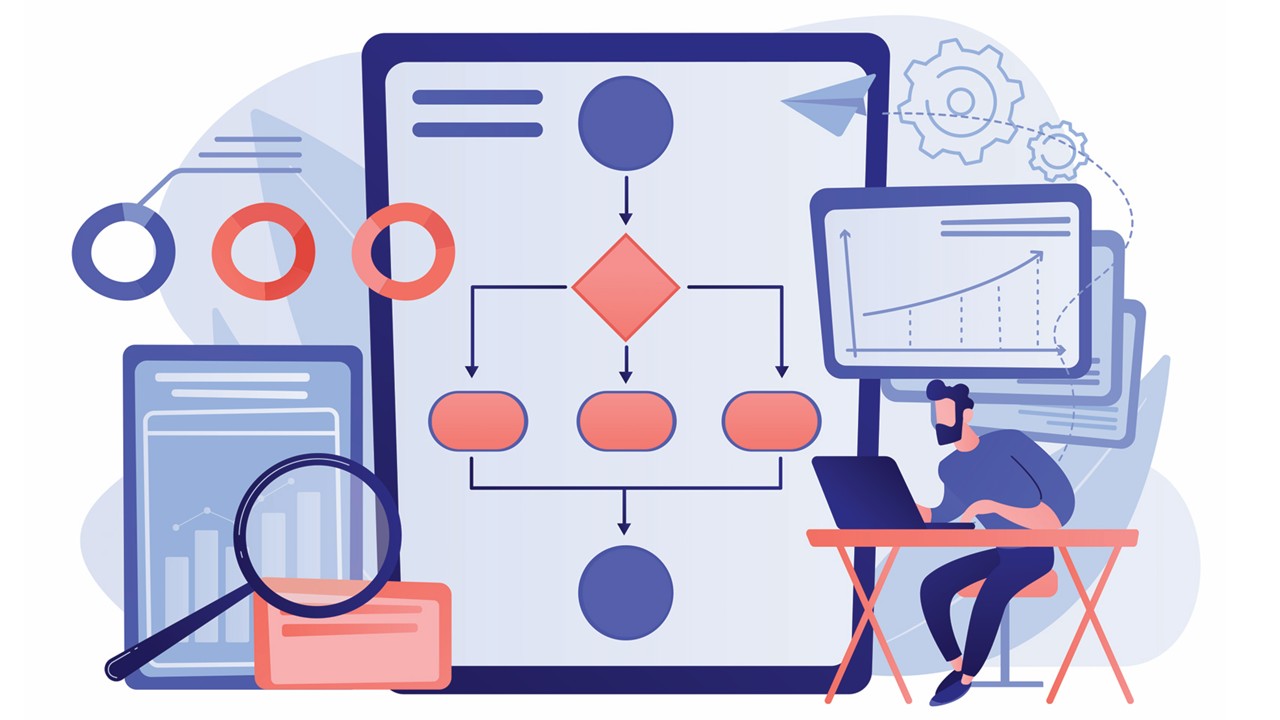
Amid the broader conversation about automation, workflow automation—software that automatically routes essential documents to appropriate reviewers in proper order with autogenerated alerts and similarly saves final documents without human intervention—stands out. It targets the operational heart of government: the processes that route documents, approvals, communications, and decisions. When these workflows run smoothly, the entire organization becomes more responsive, predictable, and efficient.
Agencies are finding that workflow automation can be one of these foundational technologies that truly doubles as a true leadership strategy—if utilized correctly. Many public entities turn to workflow automation to merely digitize their current review chains, and the removal of paper and manual labor from processes does yield faster approvals with fewer errors and lost documents. However, those municipalities are failing to maximize the technology’s potential impact.
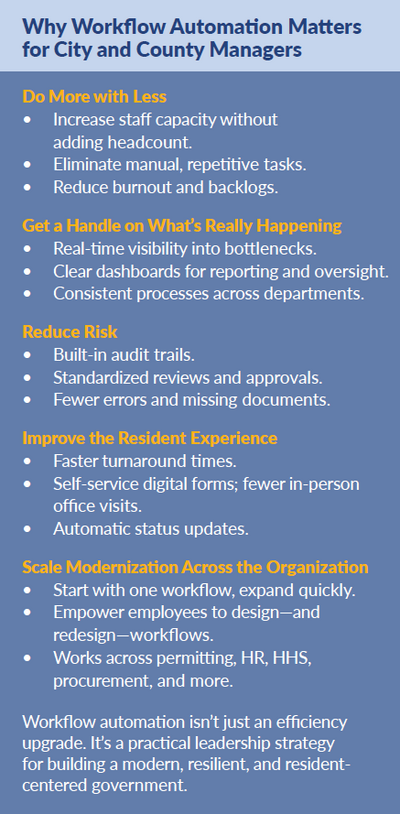
Workflow automation is a means to reimagine how government can deliver those same services. It can enable easier intra- and interdepartmental collaboration and empower employees and third-party partners to engage in deeper synchronous or asynchronous communication without stalling initiatives. The technology not only simplifies business process makeovers, it empowers the people executing important initiatives on the front lines to continually reconfigure services and back-end operations to meet changing constituent priorities, economic climates, and political realities. Moreover, workflow automation provides managers with real-time visibility into bottlenecks, performance metrics, and compliance risks—data that strengthens oversight and supports evidence-based decision-making.
When nontechnical employees are emboldened to adjust workflows so that they serve residents better, governments are well on their way to creating a culture of continuous innovation. And in the AI era, transformation will be even closer in reach as staff will be able describe how they want to simplify government in plain English (or other languages, for that matter) as they design their processes. In this sense, workflow automation becomes the connective tissue between today’s process improvements and tomorrow’s AI-enabled government.
How does this look in practice? Here are two instances of workflow automation helping to deliver better service to residents with greater efficiency.
How Workflow Automation Improved City Planning Services in Los Angeles
Up until a few years ago, the protocols for obtaining approval from the Los Angeles City Planning Department on new construction projects was onerous and time-consuming for both applicants (developers, contractors, homeowners, etc.) and employees. Residents had to come in person to one of three branch offices to submit a lengthy paper application and a trove of paper documents (e.g., blueprints, maps, images, etc.).
Evaluation of these applications was anything but straightforward. Multiple city planners had to engage in extensive dialogue over several highly complex technical elements of these proposals. Unfortunately, LA City Planning’s review chain was laid out in a basic linear progression where one person passed files and comments along to the next. As cases bounced back and forth between reviewers’ desks, it became tougher to keep track of open issues and who still needed to provide comments. Things only got more complicated when city planners had to contact applicants with further questions. LA City Planning had no organized way to track and disseminate the key takeaways from these conversations, which could be stuck in an employee’s brain or inbox.
When the department implemented an integrated digital forms–workflow automation–e-signature solution, it was able to create a new process that accommodated the collaborative nature of city planners’ interactions with residents and each other. Applicants could file these extensive applications and large accompanying files online, with an interface that automatically highlighted fields that needed modification or correction with each step. Submission packets were automatically routed to the first employee in line, who used an online checklist to confirm that the application contained all required components.
From there, each subsequent reviewer could “tag” others in the system with specific questions and comments. No matter how many times a case went back and forth between city personnel, a built-in content management system would reconcile simultaneous changes to ensure that any person looking at these files was working off the latest version.
All documents and activity associated with each case—including accompanying correspondence, in order and with audit trails—were stored centrally and made accessible to authorized personnel via an intuitive dashboard. Thus, any employee could view an up-to-date status of an application for themselves or on behalf of inquiring applicants, although there were fewer phone calls from the latter as autogenerated email alerts kept them apprised on where their submission stood. Moreover, the ability to sign and pay for approved plans remotely spared citizens trips to the office.
This example highlights a key theme in this issue’s focus on automation: when governments automate not just forms, but the workflows behind them, they unlock entirely new levels of collaboration, transparency, and service quality.
Check out the full story of how Los Angeles City Planning modernized its development application process here.
Modernizing Internal Government Workflows with Automated Review and Collaboration Tools
Workflow automation can transform internal processes just as dramatically. One of the most common examples in the world of city and county government is the
review of highly critical executive documents. Known as “red folders” or “blue folders” in some agencies, these files require many stakeholders to give input or authorization, often more than a dozen. This process, too, involves a high degree of collaboration and multiple rounds of correspondence between reviewers. Formal sensitive document review chains of this kind are used in a variety of departments, including child services, health and human services, and human resources, among many others.
Linear, paper-based reviews cannot accommodate the dynamic nature of this process. It isn’t uncommon to see multiple copies of documents floating around on people’s desks or stuck in their inboxes. With no central oversight, employees are left to call or walk around the office to triangulate where a folder stands and decipher who still needs to review and sign documents. It isn’t rare to see folders take two or three months to finalize, with many being deemed “incomplete” at the end due to components being scattered all over the place.
Like LA City Planning, agencies have used workflow automation to ditch sequential routing in favor of a system that facilitates simultaneous reviews and tagging of individuals in order to enable intricate dialogue and extensive back-and-forth. A dashboard that can help parties identify and relieve bottlenecks quickly can shave processing time by as much as 90 and increase accuracy by the same degree.
In the broader context of automation, these internal improvements demonstrate how workflow automation supports responsible governance by reducing risk, eliminating inconsistencies, and providing leaders with clearer oversight.
Four Steps for Government Leaders to Launch a Workflow Automation Strategy
In each of these cases, workflow automation resulted in better service, a reduction in backlogs, greater speed and consistency in processing, and increased capacity without adding headcount. The most important common thread: it helped these agencies create a truly modern operation, one with an intuitive digital experience for both residents and employees and a high degree of transparency and oversight.
For city and county managers navigating a rapidly evolving automation landscape, workflow automation offers a practical, achievable starting point for modernization, one that delivers measurable improvements without requiring major new investment in IT infrastructure.
Of course, getting to this place is easier said than done. That said, with the right guidance, this level of innovation is well within reach of local government leaders. Here are some quick tips for spearheading a workflow automation–led transformation:
1. Start Small
Pick one manual process that is obviously in need of a renovation, one that is slow, cumbersome, and giving employees and constituents fits. Once stakeholders see the benefits of one automated workflow, it will be easier to sell other departments on using it to revamp their business.
2. Prioritize User-friendliness
Workflow automation should be intuitive to the point where the people who will actually be executing these processes can design them. In other words, it should be a tool for department heads and line-of-business managers, not IT departments. If the solutions are easy to use and effective, it gets even easier to spread the gospel throughout the organization.
3. Make Your Journey AI-Driven
It’s not modern if users don’t have the option to use AI to help brainstorm better ways to design and lay out workflows via voice commands.
4. Flexibility Is Key…
As the old saying goes, transformation isn’t a destination, it’s an ongoing process. Employees not only need to be able to configure new, innovative workflows, they need the power to ramp them up and down just as quickly as the needs of the agency and the residents it serves change.
5. …And So Is Compatibility
Workflow automation needs to work with legacy infrastructure. If it doesn’t integrate with existing records databases easily, it is nearly impossible to deliver seamless end-to-end user experiences and processes.
Workflow Automation: A Strategy, Not a Tool
When done right, workflow automation isn’t just a tool to deliver a modern, more efficient government, it is the transformation strategy itself. Within a broader automation-focused agenda, it becomes the connective layer that ensures people, processes, and technology work together, enabling governments to deliver consistent, predictable, and transparent services at scale.
Government leaders across the country are rethinking how essential services are delivered. If you’re exploring how workflow automation can support your transformation strategy, there are proven frameworks, case studies, and best practices that can help guide the journey.

JON LAVIETES is content marketing manager at SimpliGov.
Publish with ICMA!
We’re searching for interesting and insightful stories that can help others learn a memorable takeaway to serve their communities better.
